

What can you build with Fluidly?

Fluidly is not like any finance app you've seen — it's a visual toolkit you shape around your business.

Watch a canvas take shape, step by step

Cash position • step 1 / 3

Add your bank accounts

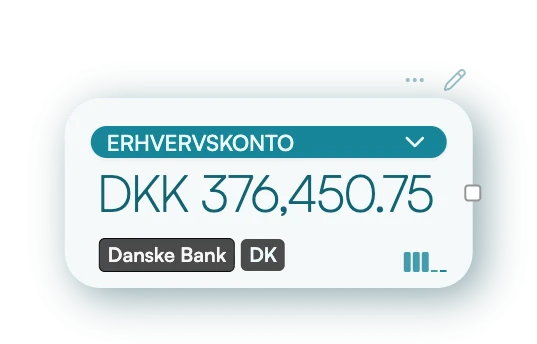
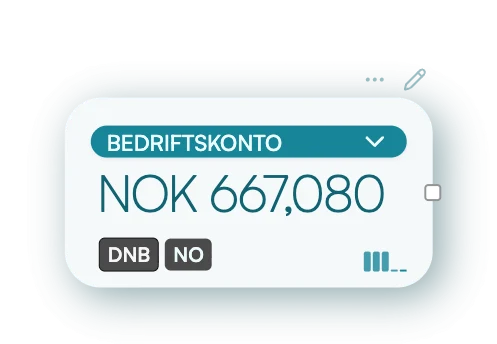
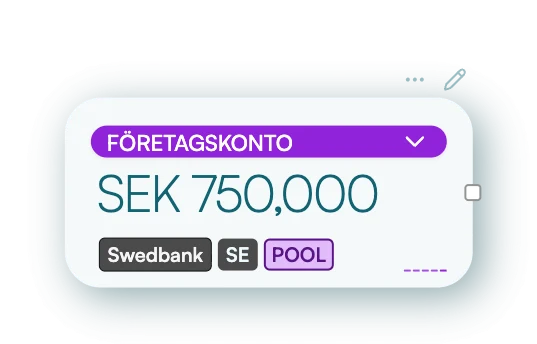
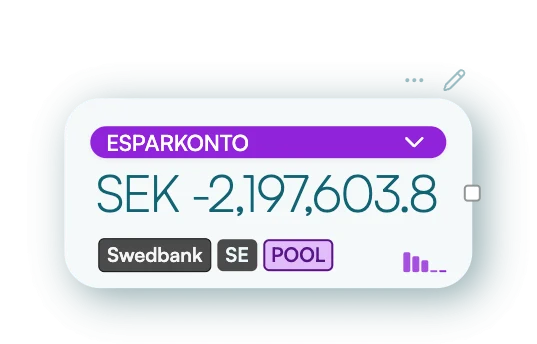
We've added four Bank accounts from Swedbank, Danske Bank and DNB, in three currencies.

Any of 2,800+ banks across the EU works the same: a digital consent from someone with account access and you're connected.

Cash position • step 2 / 3

Where's the money?

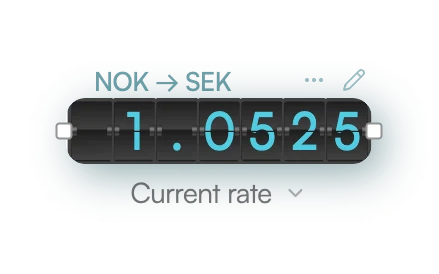
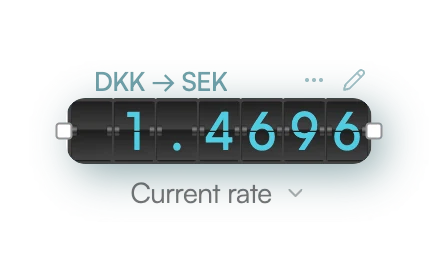
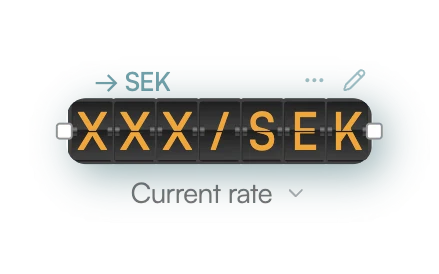
FX Rates convert DKK and NOK to the company's home currency, SEK.

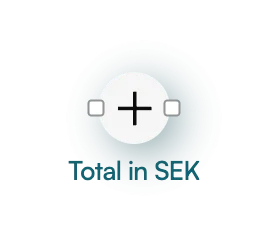
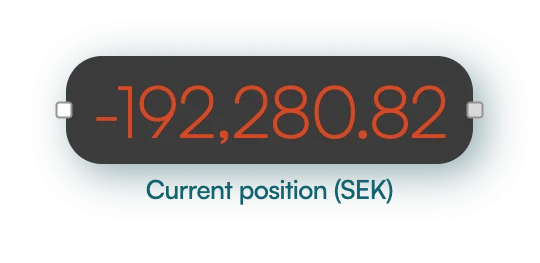
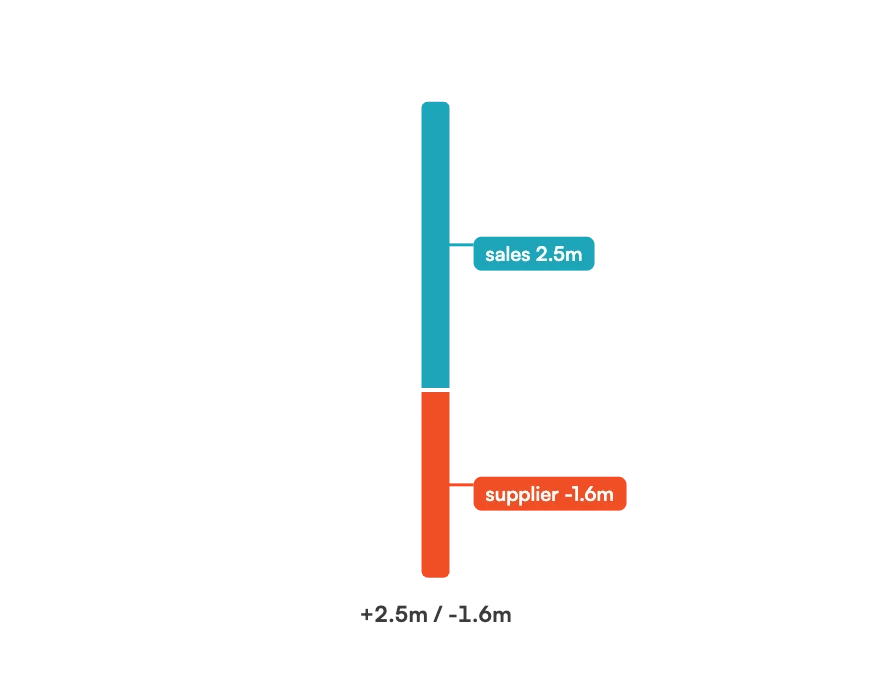
We then join the accounts in a Sum and attach an Amount to display the total cash position.

Cash position • step 3 / 3

Cash flow

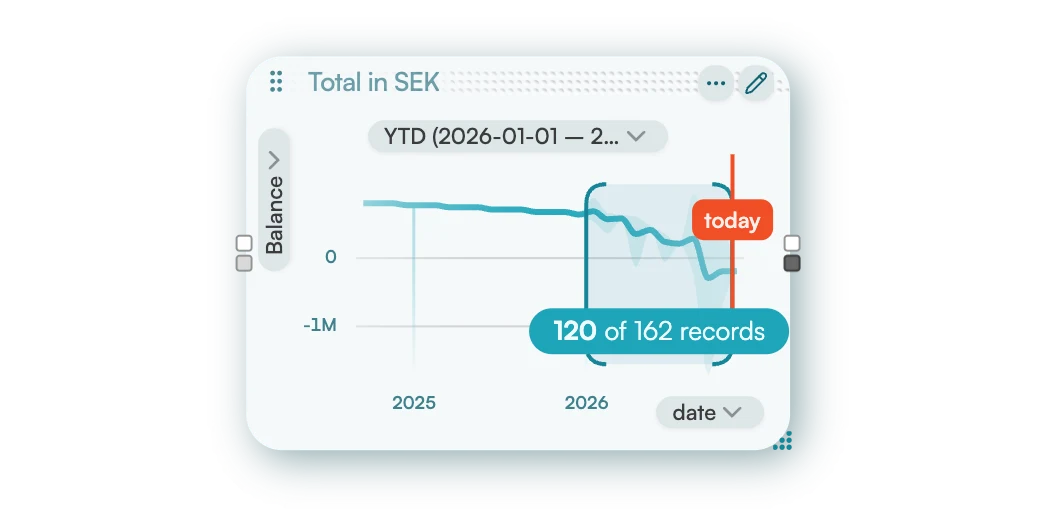
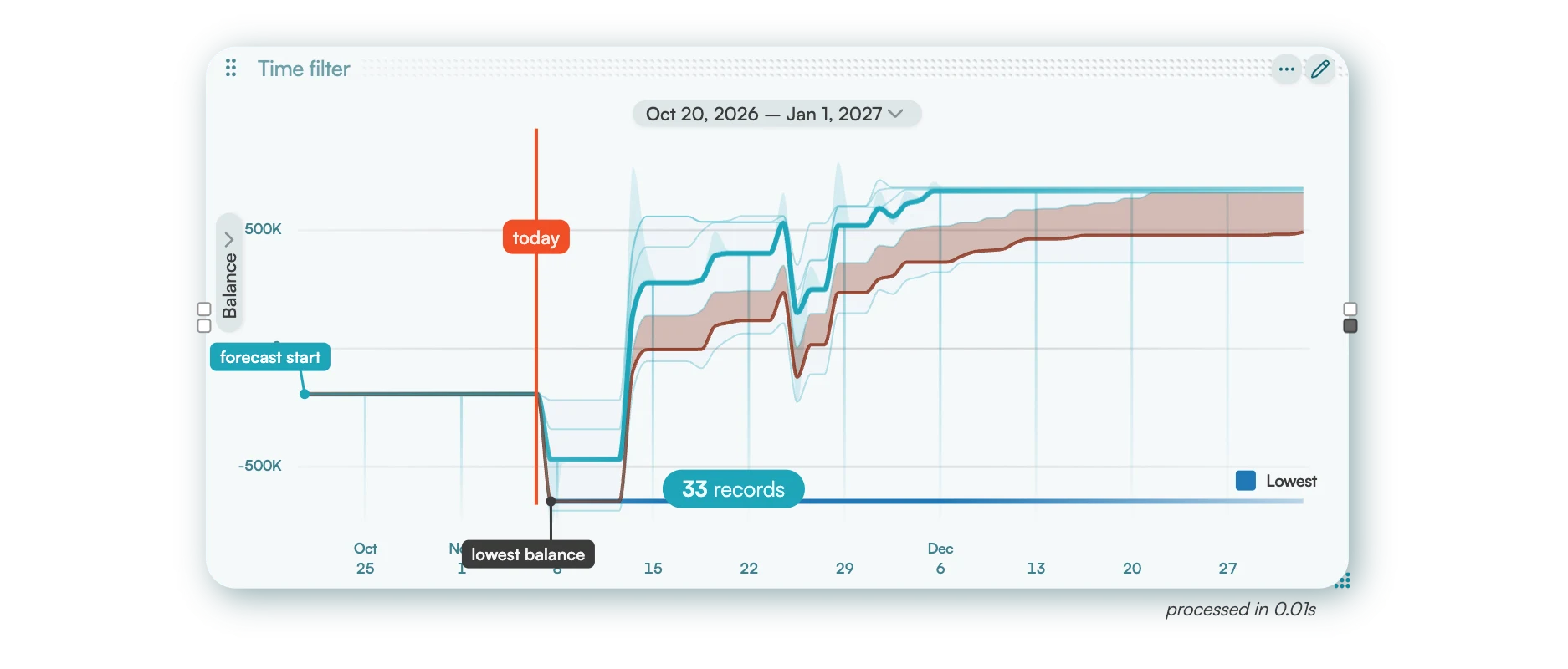
That Timeline is also a filter that lets us pick a period for all nodes downstream.

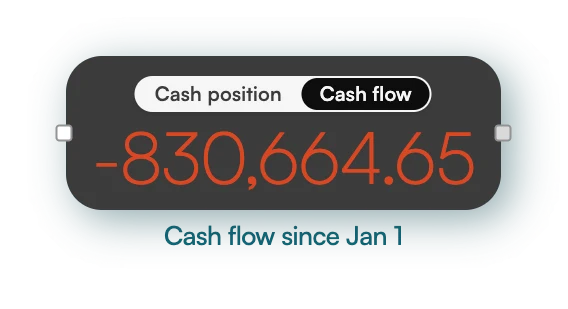
Consequently its connected Amount shows the company accounts' year-to-date cash flow.

Bank costs • step 1 / 1

Bank costs

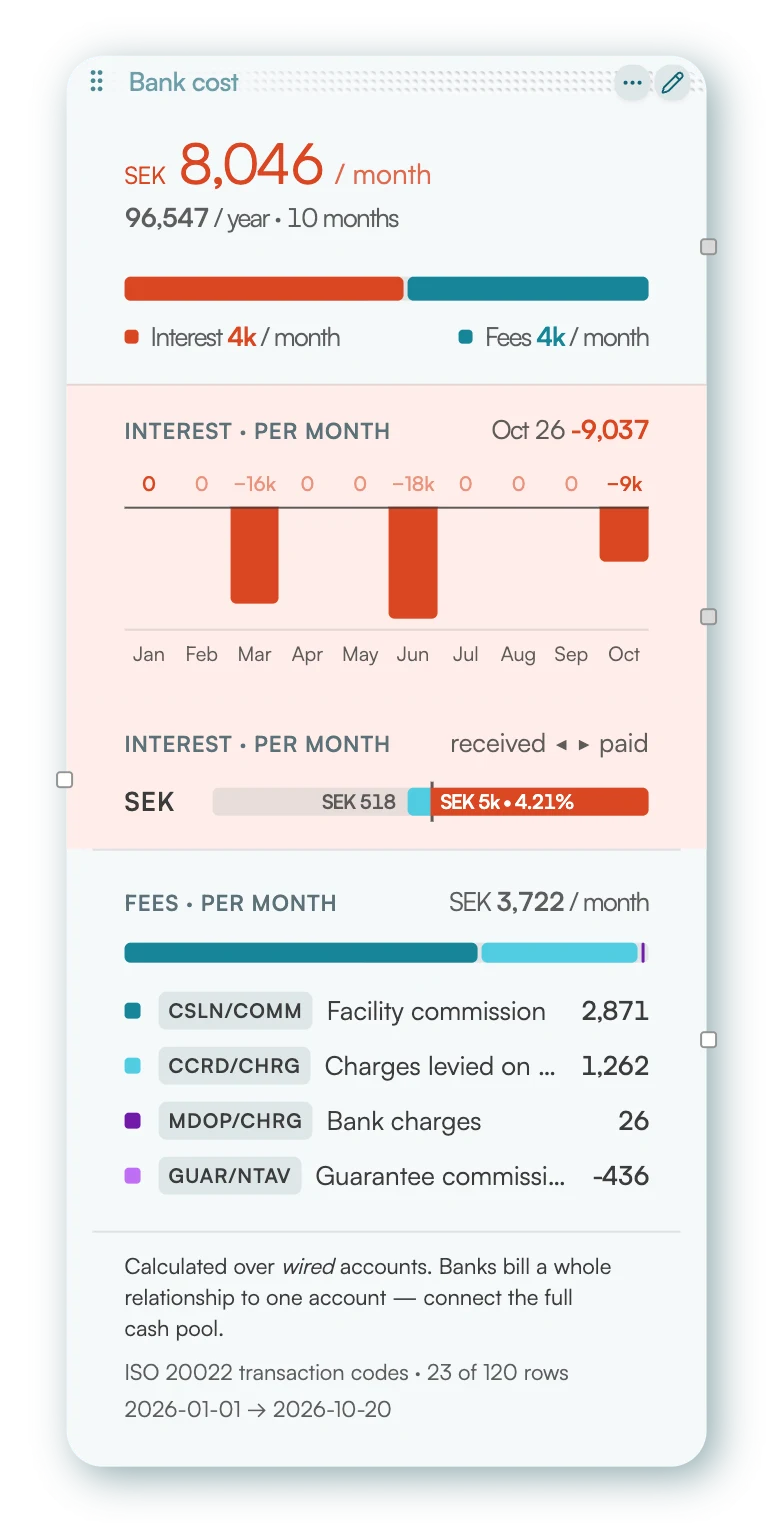
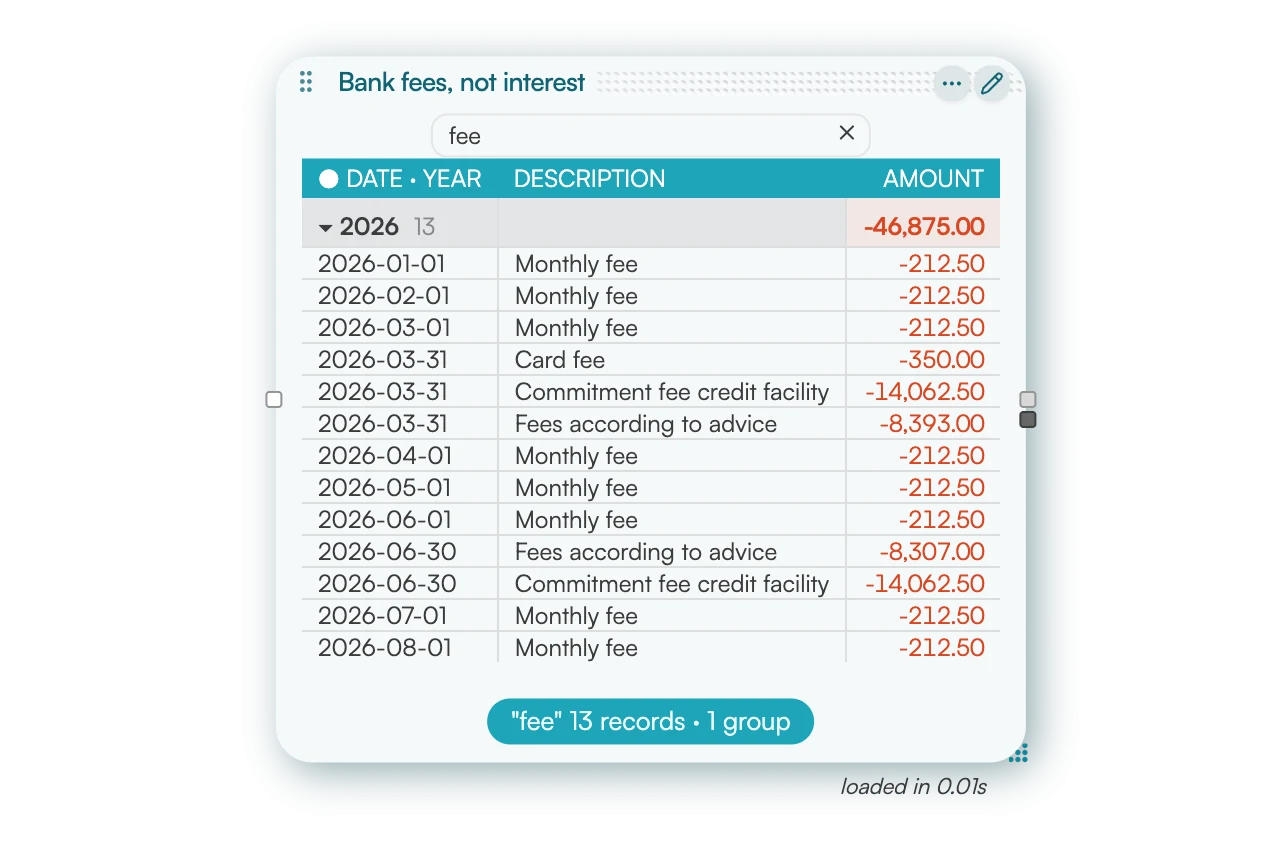
Bank cost reads interest, fees and commissions straight off the bank's ISO20022 statements.

That obscured Table displays every fee our bank has ever withdrawn from our accounts.

Currency risk • step 1 / 1

Value at risk

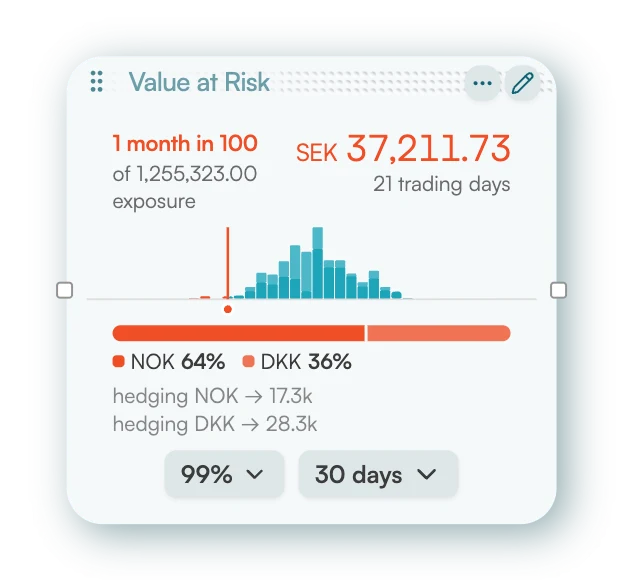
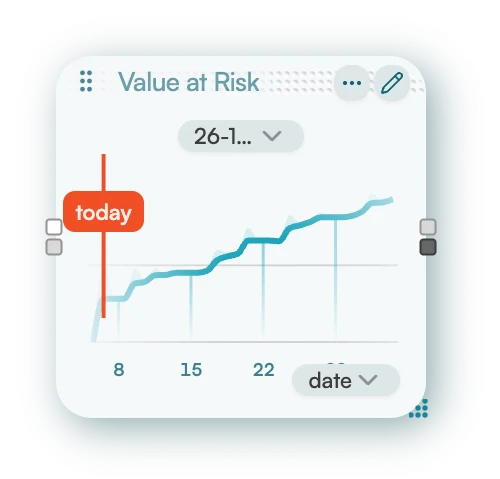
Value at Risk shows what a bad month in the currency market could cost the company's DKK and NOK holdings, based on how those currencies actually moved.

Value at Risk also takes into account the unique correlation of the company's currency basket — how its currencies move together.

Forecast • step 1 / 4

Your ERP and its invoices

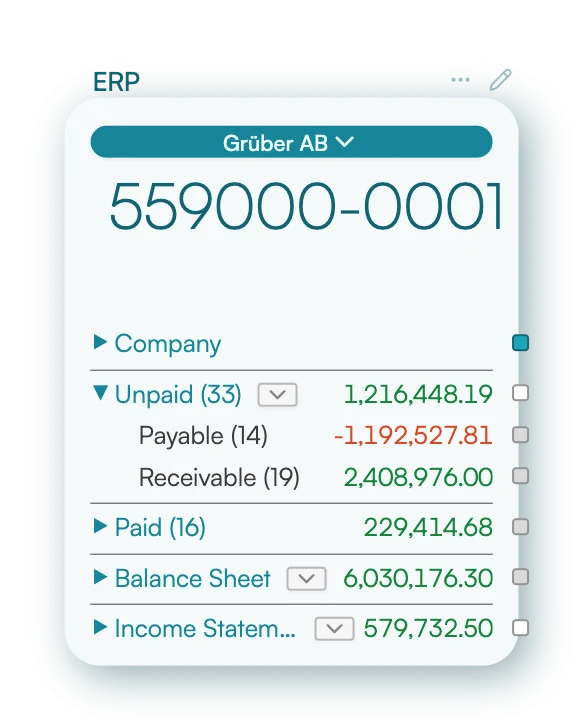
We add our ERP's open and paid invoices, FX Rates converts every open invoice into SEK.

The ERP also delivers historical balance sheets and income statements, but this walk-through focuses on cash management.

Forecast • step 2 / 4

Accounts payable

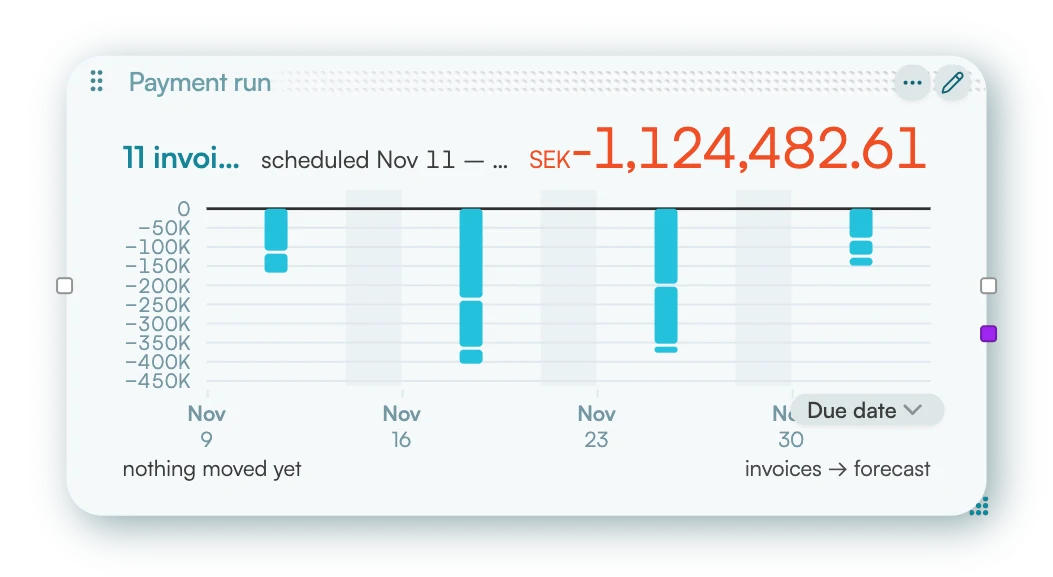
So the ERP's supplier invoices go to a Payment run. As we drag each invoice to the day we want to pay it, the forecast (next step) is updated immediately.

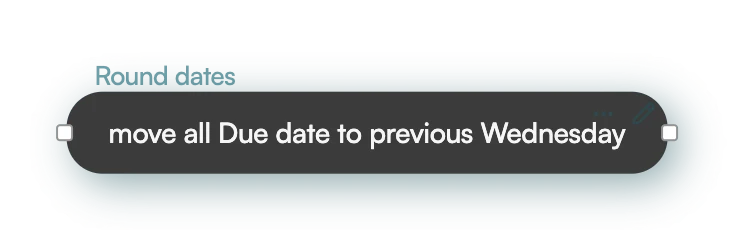
By the way, that black Round node normally rounds amounts — here we're using it to round dates: every due date rounded backwards to its previous Wednesday, this company's payment day.

Forecast • step 3 / 4

The forecast

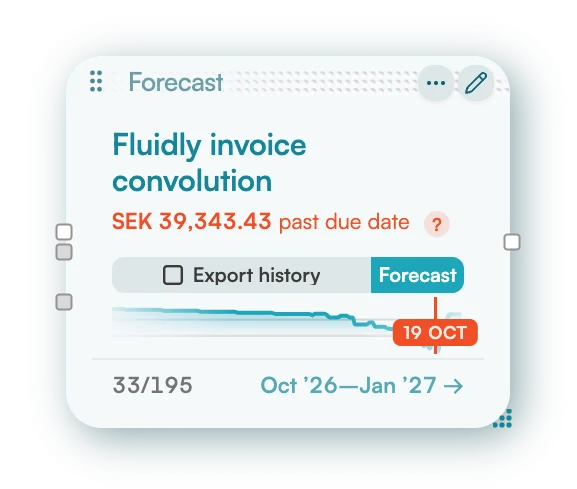
A Sum joins the bank total (Sum node in the beginning), the receivables and the planned payments, and Forecast carries it forward.

The Timeline shows a range of outcomes, not a single line.

Forecast • step 4 / 4

The dip

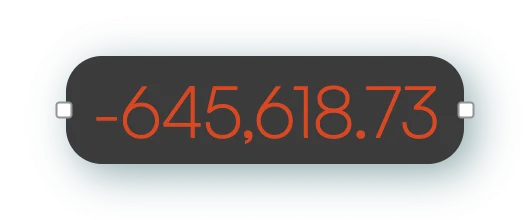
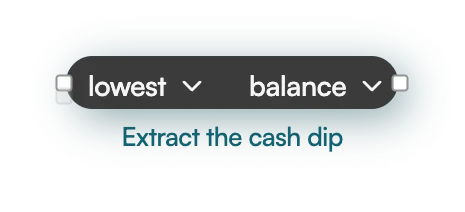
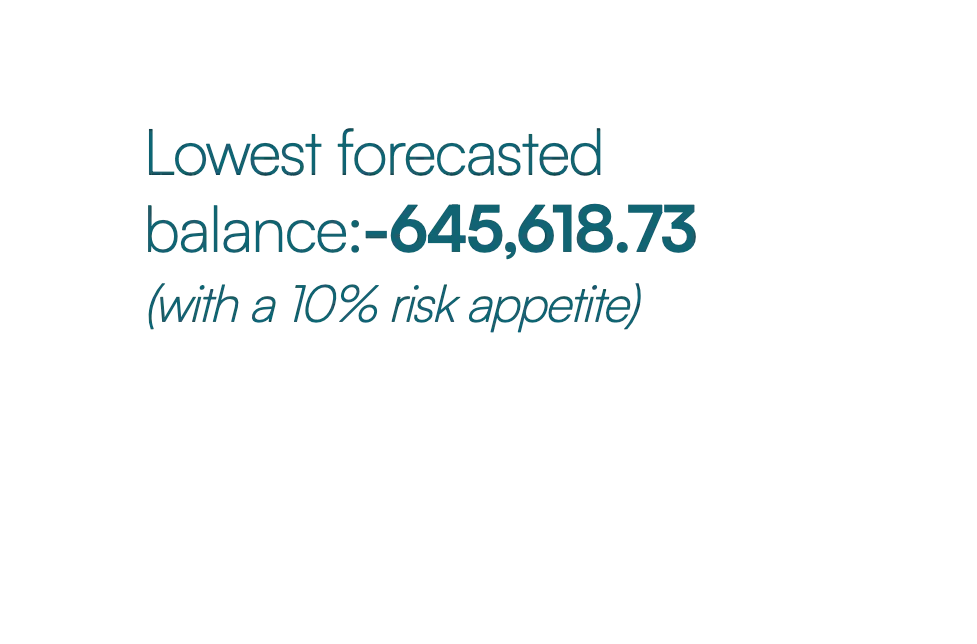
Statistics (the black node) finds the forecast's lowest point and an Amount shows it: the deepest dip ahead, before we get there.

A Comment (located in the canvas' background layer) puts it in words for everyone who opens the canvas.

Cash pool • step 1 / 1

Sweep the surplus

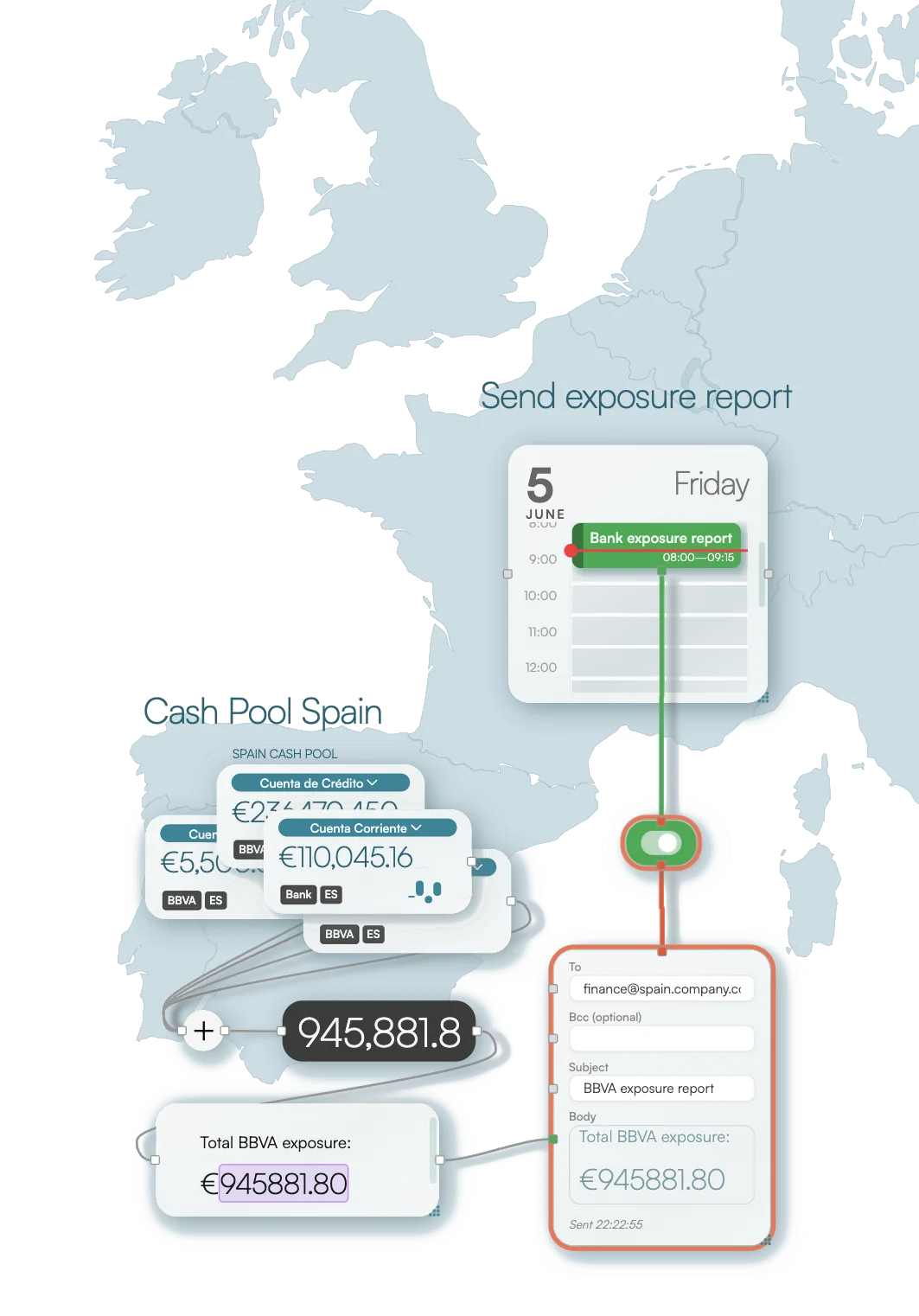
A Transaction moves money between your own accounts: here the whole balance of the Företagskonto, into the account that runs short.

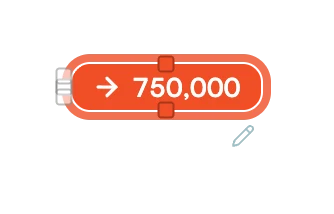
Here we set a Button trigger, but once we feel comfortable we'll let a Calendar node do the triggering.

The whole canvas

One canvas. Built around your business.

Cash position, bank costs, currency risk, invoices, a forecast and the dip ahead — ten steps, every number live. Yours would look different, because it would be built around how your company works.

Built in Europe, hosted in Europe.

Your data stays here. Fluidly runs on EU infrastructure end-to-end — no US cloud, no transatlantic transfers, no CLOUD Act reach. Code and data hosted in Sweden and Norway.

Know about the payments that matter — the moment they appear.

Set a rule once — for example, label every withdrawal over SEK 50,000 in a given period — and Fluidly tags them for you as they happen. No more scrolling statements hunting for the big movements; the filter does it, every time.

Your board's metrics, recomputed as the data lands.

Build the metrics your board actually asks for — EBITDA, current ratio, whatever matters to you — straight from live ERP data. You define the formula once; it stays current as the numbers move. Your figures by your definitions, auditable end to end.

Bring your Excel — then make it live.

Drop in an Excel file, connect a time filter and a category filter, and drag them onto your data. Filter by period, by category, by counterparty — and watch the cash flow of just that selection recompute instantly. It's the spreadsheet work you already do, except you do it once and it stays live.